
How to Clean and Maintain Your Robot Vacuum Every Month for a Longer Lifespan
Keep your robot vacuum running like new with this monthly cleaning and maintenance routine that extends motor life and suction power.
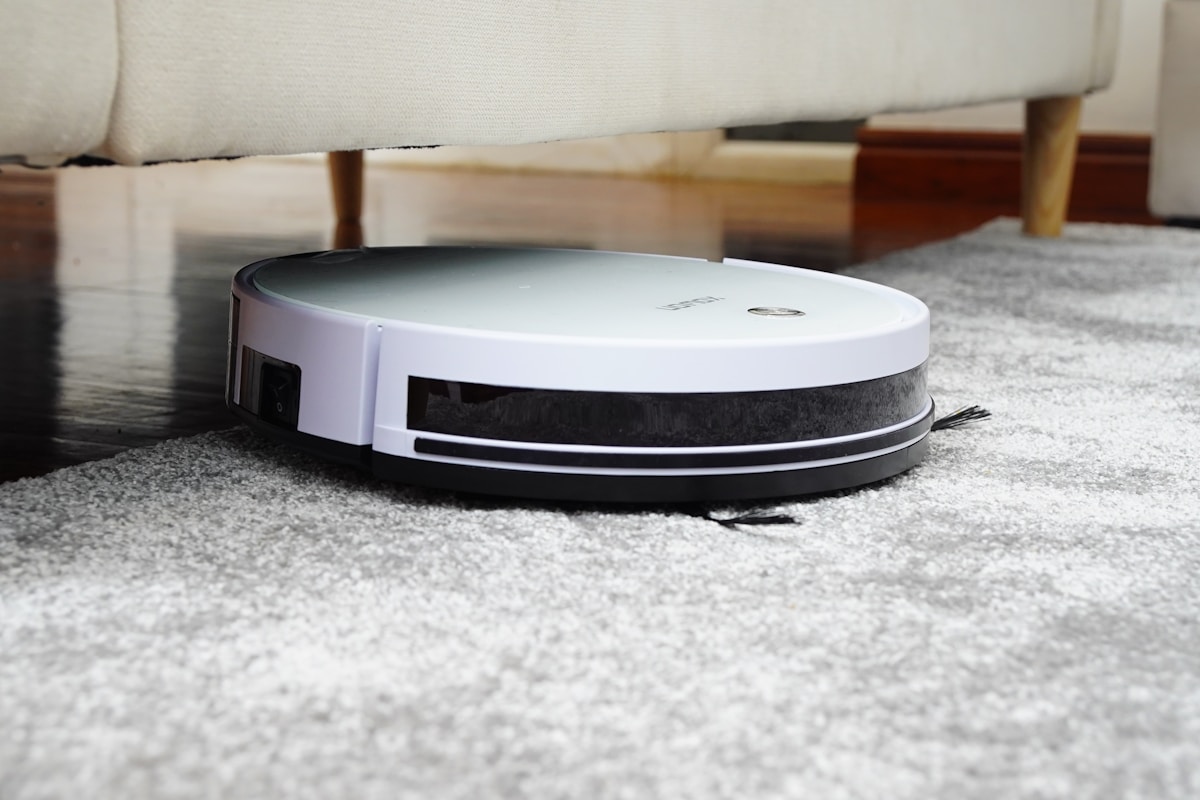
How to Clean and Maintain Your Robot Vacuum Every Month for a Longer Lifespan
Robot vacuums have become one of the most convenient home appliances on the market, quietly doing the hard work of keeping floors clean while you focus on other things. But like any hardworking machine, they need regular care to keep performing at their best. Neglecting maintenance is one of the most common reasons robot vacuums lose suction, develop strange noises, or fail entirely well before their time.
The good news is that keeping your robot vacuum in top shape doesn’t require special tools or technical knowledge. A consistent monthly routine — combined with a few quick weekly habits — can dramatically extend the life of your device, protect the motor, and ensure your floors are actually getting clean rather than just being pushed around by a struggling machine.
Quick Answer
- Empty the dustbin after every 1–2 uses to prevent suction loss and motor strain.
- Clean the brushes and brush roll weekly to remove hair, string, and debris tangles.
- Wash or replace the filter monthly to maintain airflow and protect the motor.
- Wipe sensors and charging contacts regularly to prevent navigation errors and charging failures.
- Inspect wheels, side brushes, and the body monthly for wear, cracks, or lodged debris.
Pro Tip
Set a recurring monthly calendar reminder titled “Robot Vacuum Maintenance Day.” Treat it like an oil change for your car — it takes 15–20 minutes, costs almost nothing, and can add years to the life of your machine. Pair it with the first day of each month so it’s easy to remember.
Why Regular Maintenance Matters for Robot Vacuums
Many people assume robot vacuums are self-sufficient. They dock, charge, and go — so why would they need human intervention beyond emptying the bin? The reality is that robot vacuums operate in some of the harshest conditions of any home appliance. They collect pet hair, fine dust, food particles, and debris every single day, and all of that material accumulates in places that slowly degrade performance.
A clogged filter forces the motor to work harder, generating more heat and wearing out faster. Tangled brush rolls can burn out the brush motor. Dirty sensors cause the robot to bump into walls repeatedly or miss entire sections of your floor. These aren’t hypothetical problems — they’re the most common reasons robot vacuums are replaced prematurely.
Regular maintenance isn’t just about cleanliness. It’s about protecting your investment.
What You’ll Need for Monthly Maintenance
Before you start, gather a few simple supplies:
- A small cleaning brush or old toothbrush
- Scissors or a seam ripper (for cutting tangled hair)
- A dry microfiber cloth
- Mild dish soap and warm water (for washable parts only)
- Compressed air (optional but helpful)
- Replacement filters and side brushes (keep spares on hand)
Step-by-Step Monthly Cleaning Routine
Step 1: Empty and Clean the Dustbin
This is the most frequent task and arguably the most important. Most manufacturers recommend emptying the dustbin after every one or two cleaning cycles, but at minimum, it should be done before your monthly deep clean.
- Remove the dustbin from the robot.
- Empty all debris into the trash.
- Rinse the bin with warm water if it’s washable (check your manual).
- Allow it to dry completely — at least 24 hours — before reinserting.
- Wipe the inside of the dustbin compartment with a dry cloth.
Never reinsert a wet dustbin. Moisture inside the vacuum body can damage electronics and promote mold growth.
Step 2: Clean or Replace the Filter
The filter is the lungs of your robot vacuum. A clogged filter reduces suction and forces the motor to overwork.
- Remove the filter according to your model’s instructions.
- Tap it gently over a trash can to dislodge loose dust.
- If it’s a washable filter, rinse it under cool water (no soap) and let it air dry for 24 hours minimum.
- If it’s not washable, use compressed air to blow dust out from the clean side.
- Replace the filter entirely every 2–3 months, or sooner if it looks gray or damaged.
Step 3: Detangle and Clean the Main Brush Roll
The brush roll (also called the main brush or beater bar) is where most tangles accumulate. Hair, thread, and string wrap around it and can eventually stall the motor.
- Remove the brush roll by opening the brush compartment (usually on the underside).
- Use scissors or a seam ripper to carefully cut through tangled hair along the length of the brush.
- Pull the debris free with your fingers or a cleaning tool.
- Rinse the brush if it’s washable, or wipe it down with a damp cloth.
- Check the brush end caps for hair buildup — this is a commonly missed spot.
- Reinstall the brush and make sure it spins freely by hand.
Step 4: Clean the Side Brushes
Side brushes sweep debris toward the main brush and are prone to tangling and bending.
- Remove the side brushes (usually a single screw or snap-off design).
- Remove any hair or debris wrapped around the base.
- Check that the bristles aren’t bent outward — if they are, the brush won’t sweep effectively and should be replaced.
- Side brushes typically need replacement every 3–6 months depending on use.
Step 5: Wipe the Sensors
Robot vacuums rely on multiple sensors to navigate, avoid obstacles, and detect drop-offs like stairs. Dusty sensors cause erratic behavior.
- Use a dry microfiber cloth to gently wipe all visible sensors.
- Common sensor locations: the front bumper area, the underside (cliff sensors), and the top (if your model has a camera or laser).
- Never use wet wipes or cleaning sprays directly on sensors.
Step 6: Clean the Charging Contacts
If your robot vacuum isn’t charging properly, dirty contacts are often the culprit.
- Locate the metal charging contacts on the robot and on the dock.
- Wipe them gently with a dry cloth or a cotton swab.
- If there’s visible oxidation or buildup, a small amount of rubbing alcohol on a cotton swab can help — let it dry fully before docking.
Step 7: Inspect and Clean the Wheels
The drive wheels and front caster wheel can accumulate hair and debris that affects movement and navigation.
- Check the wheels for hair wrapped around the axles.
- Use a toothpick or tweezers to remove lodged debris.
- Spin each wheel by hand — it should move freely without grinding.
- Wipe the wheel surfaces with a damp cloth.
Step 8: Wipe Down the Exterior
Finally, wipe the entire body of the robot with a dry or slightly damp microfiber cloth. Pay attention to the bumper, the top lid, and any vents. Avoid getting moisture near any openings.
Maintenance Schedule at a Glance
| Task | Frequency |
|---|---|
| Empty dustbin | After every 1–2 uses |
| Clean brush roll | Weekly |
| Wipe sensors | Weekly |
| Clean side brushes | Weekly |
| Wash/tap out filter | Monthly |
| Clean charging contacts | Monthly |
| Inspect and clean wheels | Monthly |
| Replace filter | Every 2–3 months |
| Replace side brushes | Every 3–6 months |
| Replace main brush roll | Every 6–12 months |
How Do I Know When to Replace Parts?
Signs Your Filter Needs Replacing
- Suction noticeably weaker even after cleaning
- Visible gray or brown discoloration that doesn’t wash out
- Musty or dusty smell during operation
Signs Your Brush Roll Needs Replacing
- Bristles are worn flat or missing
- The brush doesn’t spin freely even after cleaning
- Increased noise during operation
Signs Your Side Brushes Need Replacing
- Bristles are splayed outward at a wide angle
- Debris is being missed along walls and corners
- Visible breakage or missing bristle sections
Common Mistakes That Shorten Robot Vacuum Life
- Running the vacuum on a full dustbin — this is the single fastest way to burn out the motor.
- Skipping filter maintenance — a clogged filter causes overheating.
- Ignoring tangled brush rolls — brush motor burnout is a common and expensive repair.
- Storing in a damp area — moisture damages electronics and promotes mold in the dustbin.
- Using harsh chemicals on plastic parts — this can degrade seals and surfaces over time.
- Never updating the firmware — if your robot connects to an app, keep the software updated for performance improvements and bug fixes.
Does the Brand or Model Affect Maintenance Needs?
Yes, to some extent. Higher-end models with self-emptying bases, mopping functions, or LIDAR navigation have additional components that need attention — such as the mop pad, water tank, and laser turret. Always consult your specific model’s manual for brand-specific guidance. However, the core maintenance tasks described in this article apply universally to virtually every robot vacuum on the market.
FAQ
How often should I clean my robot vacuum? You should empty the dustbin after every one to two uses. The brush roll and sensors should be checked weekly, especially in homes with pets or long-haired occupants. A full deep clean — including the filter, wheels, and charging contacts — should be done at least once a month.
Can I wash the filter in my robot vacuum? It depends on the model. Many robot vacuums include washable filters, but some use non-washable HEPA-style filters. Check your owner’s manual before rinsing anything with water. If the filter is washable, use cool water only (no soap) and allow it to dry completely for at least 24 hours before reinserting.
Why does my robot vacuum keep losing suction? The most common causes are a full dustbin, a clogged filter, or a tangled brush roll. Work through each of these in order — empty the bin, clean or replace the filter, and detangle the brush roll. If suction is still poor after addressing all three, the motor or seals may be worn and the unit may need professional service or replacement.
How long should a robot vacuum last with proper maintenance? With consistent maintenance, most quality robot vacuums can last four to seven years or more. Without maintenance, the same unit might fail within one to two years. Regular care is the single biggest factor in longevity, more so than brand or price point.
What happens if I never clean my robot vacuum? Over time, a neglected robot vacuum will experience reduced suction, erratic navigation, louder operation, and eventually motor failure. Clogged filters cause overheating, tangled brushes strain the brush motor, and dirty sensors lead to navigation errors. The vacuum may also spread more dust than it collects if the filter is too clogged to trap fine particles.
Conclusion
Maintaining your robot vacuum doesn’t have to be complicated or time-consuming. With a simple weekly habit of clearing the brush roll and a monthly deep-clean routine covering the filter, sensors, wheels, and charging contacts, you can keep your machine running efficiently for years longer than a neglected unit would last. Think of it as a small investment of time that pays off in consistent cleaning performance and a much longer appliance lifespan. Your floors — and your wallet — will thank you.